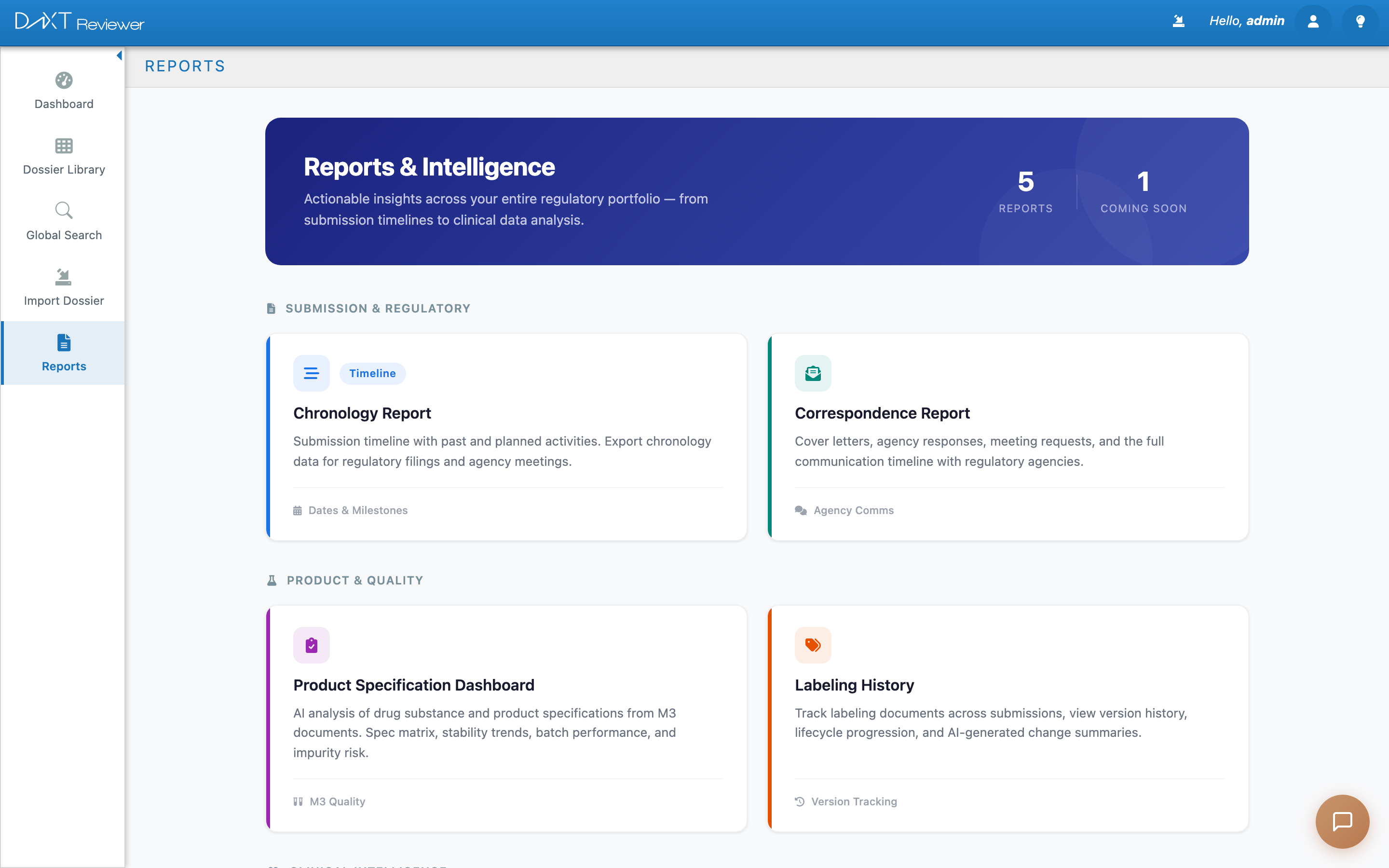
The Chronology Report shows a timeline of all submission activities for a dossier — past submissions, planned future sequences, and key regulatory milestones. Use it to understand the full history of an application and plan upcoming work.
Chronology Report showing submission timeline and activity heatmap
Accessing the Chronology Report #
- Click Reports in the sidebar.
- On the Reports hub, click the Chronology Report tile.
- Select a dossier from the application selector at the top.
What You See #
Summary Cards #
| Card | What It Shows |
|---|---|
| Total Sequences | How many submissions (sequences) exist for this dossier |
| Date Range | The span from the earliest to the latest submission date |
| Submission Types | Breakdown by type (original, amendment, supplement, etc.) |
| Planned Submissions | Number of future planned submissions that have not yet been filed |
Activity Heatmap #
A calendar-style heatmap shows submission density over time. Darker squares indicate periods with more submissions. Hover over any square to see the date and submission count.
Chronology Table #
Below the heatmap, a table lists every submission entry with columns for sequence number, submission type, date, description, and status.
Adding a Planned Submission #
To add a future planned submission to the chronology:
- Click the Add Planned button above the table.
- Fill in the submission type, planned date, and description.
- Click Save. The planned submission appears in the table with a “Planned” badge.
When the actual submission is filed, click the entry and select Mark Submitted to update its status.
AI Enrichment #
Click AI Enrich to have the AI analyze the dossier and automatically populate chronology entries based on the submission contents. This works by parsing cover letters and form data from Module 1.
You can enrich a single dossier or click Enrich All to process all dossiers at once. AI-generated entries can be edited or deleted like any manual entry.
Exporting #
Click the Export button to download the chronology as a spreadsheet. This is useful for regulatory submissions that require a chronology attachment.


